

PhD Candidate
Lancaster University
Learn how to use a specialized Blockly extension to draw graphics and collect sensor data on display-shields.

Board Member
App Inventor Foundation
This workshop examines the practical intersection of AI coding agents and Blockly-based application development. Participants will share experiences and discuss strategies for using AI to assist in the creation and maintenance of block-based environments.
Board Member
App Inventor Foundation
As AI-driven vibe coding changes how apps are built, this interactive workshop evaluates the ongiong role of Blockly. Participants will discuss how the rise of AI affects traditional block-based use cases, such as teaching computer science principles, and simplifying application development.

CEO & Executive Director
App Inventor Foundation
This session explores how block-based platforms can foster local innovation in regions with unreliable electricity and internet access. Learn about a new offline App Inventor initiative designed to provide self-contained development environments for underserved communities, enabling users to build locally relevant applications despite infrastructure barriers.
.png)
Learning Design Innovation Lead
Google.org
As AI-assisted programming tools are shifting the landscape of software development, what is the future of teaching foundational CS? This session dives into the tension between automated code generation and effective pedagogy in blocks-based environments, exploring how to evolve CS education for the age of AI.

Software Engineer
Autodesk
This session will cover a feature that allows users to create dynamic shapes using Blockly-based code, expose variables as adjustable controls, and seamlessly bring those shapes into the 3D workspace.

Computer Science & Technology Teacher
The Maryland School for the Blind
This session covers practical accessibility considerations drawn from teaching computer science and robotics to blind and low vision students in the United States. Using examples from both block-based and text-based programming environments, we'll emphasize the role of accessible IDEs in supporting navigation, feedback, and meaningful participation. Attendees will leave with actionable strategies for designing and selecting tools that support inclusive computing experiences across contexts.

Software Developer
VEX Robotics
The VEXcode Backpack provides a secondary, read-only workspace that allows students to reference examples or teammate projects without leaving their active build. This session explores the implementation challenges and classroom benefits of supporting multiple Blockly workspaces within a single IDE.

Lead Developer
Robotical
Learn how to extend the Scratch Blocks framework to support hardware through a new programming target called Devices. Moving beyond traditional sprites and stages, this talk details the architectural changes required to allow robots and other hardware to expose unique, device-specific block sets within a single environment. We will explore the technical implementation of direct hardware interaction and share a roadmap for how others can adopt a similar approach for robotics and hardware integrations.
.png)
Co-founder and CTO
Flip Computing
Flock XR is a free, open-source 3D coding tools designed in classrooms with a focus on inclusion and accessibility. This session demonstrates how students can create and code 3D environments in a web browser with no installation, highlighting the impact of co-desigining tools with educators.

Founder & Managing Director
Pixam Ltd
This talk demonstrates how Blockly can be extended beyond education into real-world robotics. We present Logik (developed on diginto.tech), a Blockly-based platform that integrates visual programming with GNSS positioning, map-based mission planning, and live robot deployment. We also introduce WUKS AI, which assists users by generating and optimising workflows for autonomous systems on the same tool.

Founder / Student
Discover how the Asia School of Business uses intensive Maker Piscine boot camps to turn business students into hardware prototypers in just two hours. This session explores an immersive, high-velocity learning model that moves students from basic LEDs to automated systems, demonstrating how AI co-pilots can bridge the gap between visual logic and Python for non-technical learners.

Staff Software Engineer, Blockly
Raspberry Pi Foundation
Aaron Dodson from the Blockly team shares how he triages Blockly bugs in today's environment of constant web browser updates and node changes.
.jpg)
Software Engineer, Blockly
Raspberry Pi Foundation
Learn how to add meaningful accessibility labels to your custom Blockly blocks to improve screen reader navigation and spoken block descriptions. This session covers patterns for providing custom ARIA labels for fields and inputs in your custom blocks

Co-founder
Sistema THEAD
This talk presents the Scratch Tactile / Tactile Jr ecosystem, including the new Tactile Jr App — an accessible, icon-based block editor built with Blockly for children aged 4–8. The session shares how Universal Design principles guide development, highlights the impact of the first Scratch Tactile Schools program across 60+ schools in 12 countries, and presents key lessons from user testing and classroom research.

Software Engineer
Thunkable

Software Engineer
Thunkable
In this talk, we'll describe our approach for integrating AI to generate projects on the Thunkable X platform.

Software Engineer
Code.org
Last year, we achieved a huge milestone by bringing keyboard navigation to a single music tutorial. But scaling that across every lab type on Code.org was a whole new feat. Come hear about the obstacles we faced, the lessons we learned along the way, and see our accessible labs in actions!
Technology Consultant
K McNaught Consulting Ltd
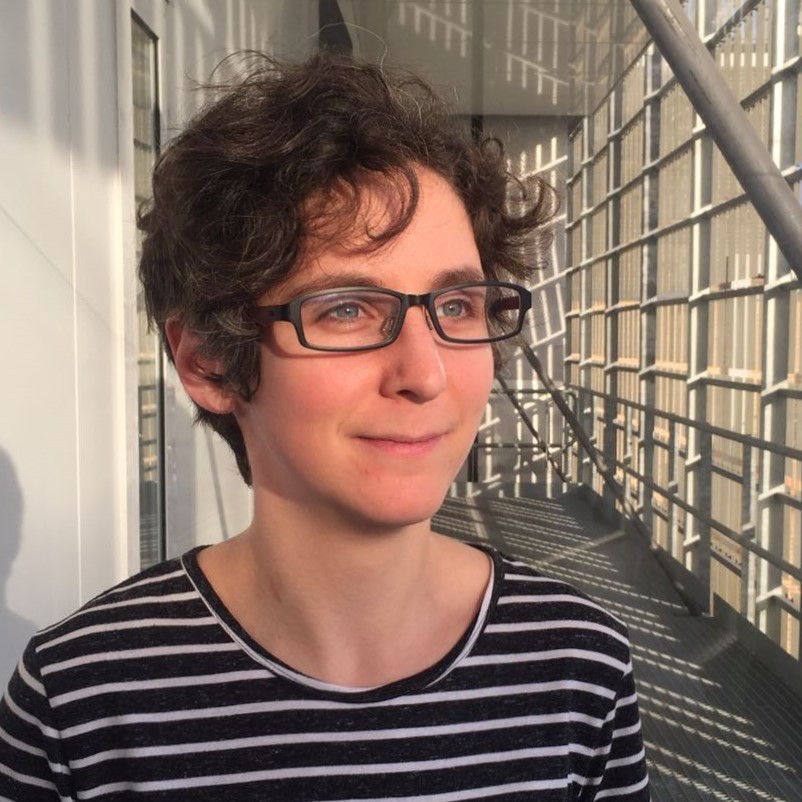
For students with physical disabilities, eye gaze technology offers a vital path to digital confidence. We worked with eye gaze users in the UK, ranging from primary school children seeing code for the first time, through to experienced adults who had already learned the hard way. This talk shares what we learned, what we've built, and what's coming next.

Head of Software Engineering
IT4Kids
IT4Kids builds coding software for primary schools. In this talk, I'll take you into our editor and into the mind of a 10-year-old — showing how we improve the learning experience by reducing clutter and stripping away unnecessary Blockly complexity. The goal: Getting started should be easy, even for users with no computer science background at all.
Director of Blockly
Raspberry Pi Foundation

Lead Software Engineer, Blockly
Raspberry Pi Foundation
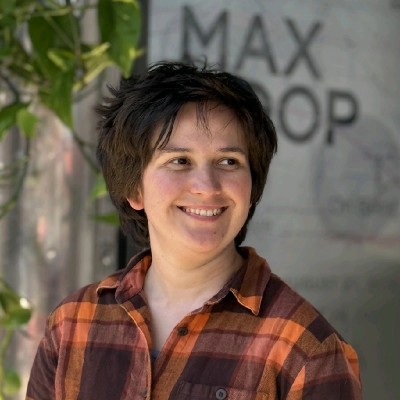
The Blockly team presents the product roadmap, followed by Q&A.
Software Engineer & Blockly Founder
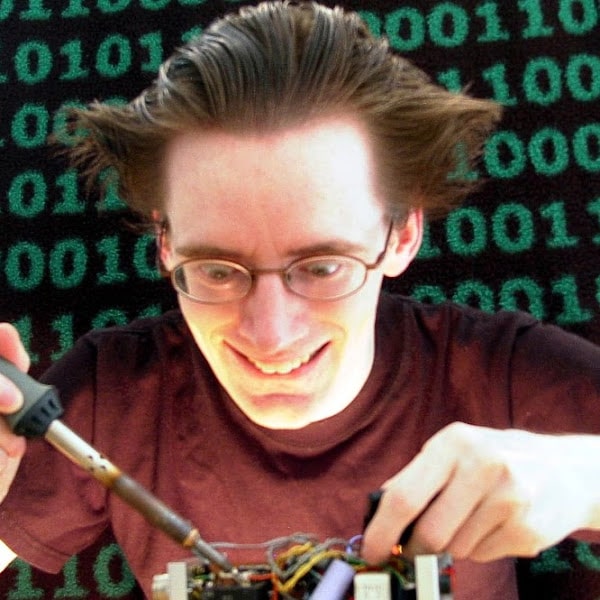
The Apollo Guidance Computer is notoriously hard to program. I'll show you how we're using a high-level Blockly-based editor to make it possible to write assembly-language programs for bare metal using drag-and-drop.
Founder
Pythonly
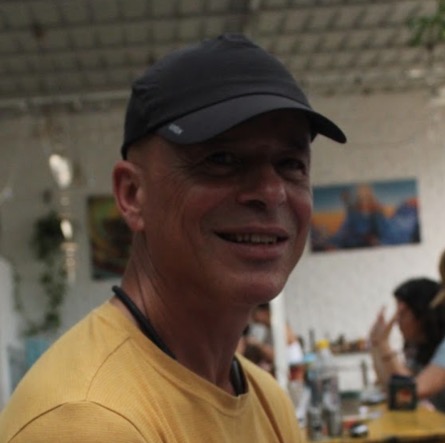
Pythonly turns block programming into a true editing experience—combining expandable blocks, keyboard-driven inline editing, and dynamic structures such as auto-generated variables and hybrid statement-input blocks. Pythonly supports real code constructs like object methods and seamless code↔blocks editing, within a notebook-style environment for Python and R, with an integrated drawing editor.
Software Developer
VEX Robotics
Over the past year, the VEX Robotics team completely rebuilt their coding environment from the ground up. This session covers the technical journey of that rebuild, which focused on meeting modern accessibility guidelines while incorporating eight years of user feedback to improve overall experience.

Software Engineer
Code.org
Music Lab has introduced millions of students to AI and computer science through Blockly, offering an accessible entry point to coding and a powerful platform for creative expression through music. Go behind the scenes of Code.org's flagship Hour of AI tutorial, 'Mix & Move with AI', to see how students use an LLM to generate remixes of popular songs and how our team designed the experience to thoughtfully balance AI generation with hands-on coding in Blockly.

Software Architect
Autodesk
By integrating Blockly into Tinkercad's physics simulation, students can program virtual robots entirely in the browser. This approach dramatically expands access to robotics education for classrooms without physical hardware, allowing millions of users to read sensors and control motors in a virtual environment.

Staff Software Engineer, Google.org
Google.org
This talk provides an update on the team's progress in bringing baseline screen reader support to core Blockly. Learn how these accessibility improvements impact integrating applications and what developers need to know to leverage these new features in their own projects.

Lead Software Engineer
MIT App Inventor
Debugging is a critical but often intimidating skill for beginners. This session explores a new stepping debugger integrated into MIT App Inventor, featuring breakpoint funcitonality that provides a gentle introduction into these powerful concepts.

Principal Engineer
App Inventor Foundation
Testing Blockly is tough because you can't just click and block and expect it to work since everything is aynchronous. In this talk, I'll show you the Playwright setup I built for the multiselect plugin at MIT App Inventor. I'll share the specfic patterns we used to make it work so you can apply them to your own Blockly projects.
.png)
Project Manager – Accessibility
Micro:bit Educational Foundation

Head of Product
Micro:bit Educational Foundation
Supported by the Blockly Accessibility Fund, the Micro:bit Educational Foundation has been working with Blockly and Microsoft so that MakeCode is screen reader compatible. This presentation will explore what we learnt from developing panels of accessibility experts, educators & young people; user tests and onboarding with tactile resources.

Principal Engineer
App Inventor Foundation
In an era of powerful AI coding agents, this session explores the historical and future significance of blocks as external representations of abstract concepts. By focusing on how blocks solve cognitive overload and facilitate mental models, the talk evaluates where these systems fit in the evolving landscape of automated code generation.

Founder
The Genius Code
This lightning talk presents an adaptive learning model in research and development, integrated with the Blockly Framework.
Principal Engineer
App Inventor Foundation
Upgrading a large, customized Blockly integration presents unique technical challenges. This session details the App Inventor team's experience navigating the render management overhaul in version 11 and the focus and selection changes in version 12, offering takeaways for other developers managing complex plugins.

Web Tech Lead
Micro:bit Educational Foundation
.jpg)
Web Developer
Micro:bit Educational Foundation
Visual programming presents unique challenges for users with visual impairments. This session breaks down the collaboration with micro:bit, Microsoft MakeCode and the Blockly team to implement robust screen reader support. Discover the technical "how-to" and the essential takeaways for making highly visual web applications accessible to all.

Chapter Lead
OTP Bank
Blockly is often associated with education or prototyping, but it can also serve as a real, enterprise-grade development environment. In this talk, Gergely shares how OTP Bank uses a Blockly-based platform called SNAP in production to build and release frontend pages at scale. He will cover daily developer workflows, release processes, and the overall way of working.
Lead Software Engineer
MIT App Inventor
This session presents a new visual diffing feature in MIT App Inventor that streamlines teacher review and peer-to-peer collaboration.

Professor of Computer Science
University of Nevada, Las Vegas
Computer Science has an incredibly diverse and complex ecosystem. There are charts, visualizations, 3D ecosystems, video games, and many more things. For children, as they learn to code, they may interact with any of these kinds of systems. The blocks need to be accessible, but what about the rest? In this talk, we'll show examples of how to tackle accessibility for all the unique tools we invent. We'll also share resources to help us solve these problems together, so that technology 'just works' for the next generation.
Global Product Manager
ABB Robotics
Industrial robot programming is traditionally complex. In this session, I will present ABB's Wizard Easy Programming approach.

Senior Product Manager
Raspberry Pi Foundation

Chief Technology Officer
Raspberry Pi Foundation
A facilitated interactive workshop session to discuss how we make edtech products that are safe and responsibly designed. We will share our research, principles and practices in this area, and learn from each other.

Blockly is an open source project of the Raspberry Pi Foundation, a UK registered charity (1129409), supported by Google.